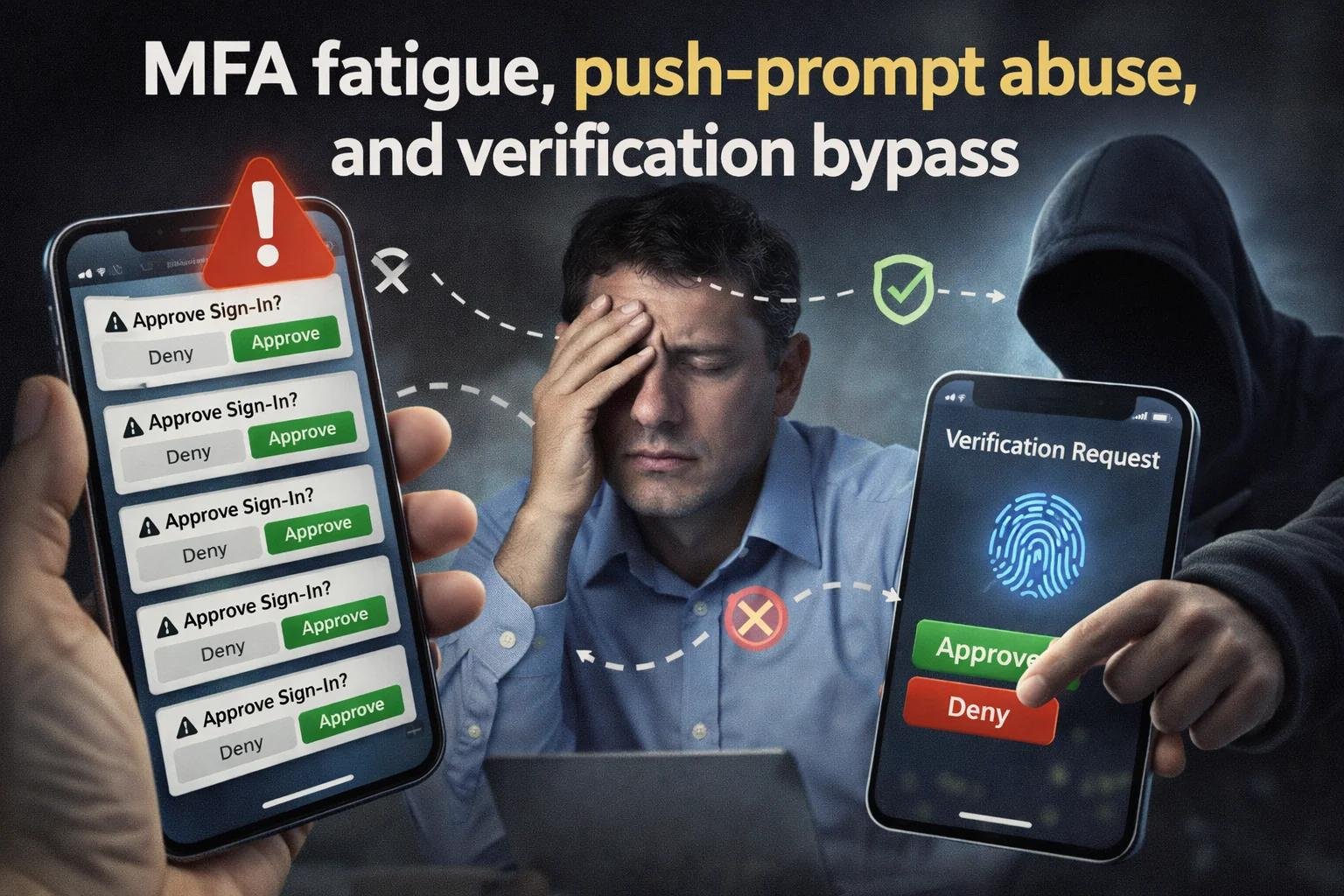

Think about how many online accounts you use every day. You might sign in to your email in the morning, check social media during a break, shop online in the afternoon, and access banking services in the evening. Each account contains information you probably do not want falling into the wrong hands.
For years, passwords have been the first line of defense for these accounts. We create them, change them when necessary, and try to remember which password belongs to which website. But managing passwords is not always easy. One forgotten password can interrupt your day, while one stolen password could put several accounts at risk if you have reused it.
Now, passkeys are offering a different way to sign in. Instead of typing a password, you may be able to verify your identity with your fingerprint, face, or device PIN.
This raises an important question: Are passkeys actually safer than passwords, and should you make the switch?
Let’s explore how both methods work, where their security differs, and which option makes sense for your everyday online activities.
What Is a Password, and Why Can It Be Risky?
A password is a secret combination of characters that helps a website confirm your identity. When you enter the correct password, the service checks your credentials and allows you to access your account.
The idea is simple, but problems often arise from how people use passwords in real life.
For example, imagine using the same password for your email, shopping account, and social media profile. If one of those websites suffers a data breach and your password is exposed, attackers may try those same credentials on other platforms.
Another common problem is phishing. A message may appear to come from your bank or a familiar online service, asking you to verify your account. If the link leads to a fake login page, entering your password could hand it directly to a scammer.
Even a complicated password cannot protect you if you willingly enter it on a fraudulent website.
Common Problems With Passwords
Several everyday habits can weaken password security:
- Using predictable combinations: Names, birthdays, and simple number patterns can make passwords easier to guess.
- Reusing passwords: One compromised password may expose multiple accounts.
- Falling for fake login pages: Fraudulent websites can trick users into sharing their credentials.
- Forgetting passwords: Repeated resets can encourage people to choose easier combinations.
- Ignoring additional security: A password alone may not provide enough protection for important accounts.
The good news is that passwords are not automatically unsafe. A long, unique password stored in a trusted password manager can still provide strong security. The challenge is maintaining those habits across every account.
What Is a Passkey?
A passkey is a modern way to sign in without entering a traditional password. It uses a technology called public-key cryptography to verify that you are authorized to access an account.
When you create a passkey, a pair of cryptographic keys is generated. The website stores the public key, while the private key remains protected by your device or the supported system managing your passkeys.
During sign-in, the service sends a digital challenge. Your device uses the private key to produce a response, and the service verifies it using the public key.
You do not need to remember or type a traditional password to complete this process.
Depending on your device, you may confirm the sign-in using a fingerprint, facial recognition, or your device PIN. These methods help unlock or authorize the passkey; your fingerprint or face is not simply sent to the website as your password.
How Passkeys Make Signing In Different
Imagine visiting a website that supports passkeys. Instead of typing your email address and password, you select the passkey sign-in option and approve the request on your device.
The process can feel almost effortless, but the security comes from the underlying technology.
A passkey is associated with the website or service for which it was created. This helps prevent an attacker from using a fake website to collect a passkey in the same way they might steal a password through a copied login page.
Passkeys may also be synchronized across your devices through a supported provider. However, some are stored on individual devices, so recovery options can vary.
Passkeys vs. Passwords: What Is the Real Difference?
Both methods help protect online accounts, but they work differently behind the scenes.
| Feature | Passwords | Passkeys |
|---|---|---|
| How you sign in | Enter a password | Approve authentication on a supported device |
| Need to remember a secret | Usually, unless using a password manager | No traditional password required |
| Protection against phishing | Depends on user awareness and additional security | Designed to resist phishing on fraudulent domains |
| Risk from password reuse | High if the same password is used across accounts | Passkeys are associated with individual services |
| Information stored by the service | Password verification data | Public key |
| Device requirements | Works on most login systems | Requires passkey support |
| Recovery | Password reset or account recovery | Depends on synchronization and recovery arrangements |
The biggest difference is how each method proves your identity. A password is a reusable secret that can be copied and entered elsewhere. A passkey uses cryptographic verification without sending the private key to the website during sign-in.
Why Are Passkeys Considered More Secure?
Passkeys are designed to address some of the most common weaknesses of traditional passwords. Their advantages become especially clear when you consider how online attacks happen.
1. They Help Prevent Phishing Attacks
Phishing remains a serious problem because scammers do not always need to break into an account technically. Sometimes, they simply persuade the account owner to reveal their login details.
A fake website might look almost identical to a genuine banking or shopping page. With a traditional password, a user who fails to spot the difference could accidentally hand over their credentials.
Passkeys work differently. Authentication is linked to the legitimate website’s identity, so a passkey created for one domain generally will not authenticate a different, look-alike domain.
This makes passkeys a strong defense against many credential-stealing phishing attacks, although it does not eliminate every type of scam or account compromise.
2. Stolen Website Data Is Less Useful to Attackers
Passwords can become a serious problem when a service is breached. Depending on how credentials were stored, attackers may obtain password hashes and attempt to crack them or exploit exposed passwords.
Passkey-based authentication does not require the website to store the user’s private key. Instead, the service keeps the corresponding public key.
The public key cannot, by itself, produce the private-key response needed for a normal passkey login. As a result, stealing a website’s passkey database does not provide attackers with a reusable password in the same way.
This does not mean a website using passkeys cannot be hacked. It means that this particular type of credential theft is less useful for impersonating passkey users.
3. You Do Not Have to Remember Dozens of Passwords
Most people use more online services than they can comfortably manage from memory. Creating a unique password for every account is good practice, but remembering them all can be frustrating.
Passkeys reduce this burden. Once a passkey is set up, you can authenticate without recalling a separate password for that service.
This can also make secure sign-in more convenient, helping people avoid shortcuts such as writing passwords in easily accessible places or reusing the same combination repeatedly.
4. Signing In Can Be Faster
Typing a long password on a mobile phone is not always convenient, particularly when you need to sign in several times a day.
With passkeys, authentication may take only a few seconds. You approve the request using your device’s supported security method rather than entering a long string of characters.
The experience depends on the website, device, and authentication setup, but the process can be both convenient and secure.
Are Passwords Still Worth Using?
Absolutely. Passkeys are not available everywhere, and passwords remain a practical way to protect accounts.
The key is to use them properly.
Choose long, unique passwords rather than combinations based on personal details. A password manager can generate and store credentials for you, making it easier to avoid reuse.
For important accounts, enable multifactor authentication (MFA) when available. An authenticator app or a hardware security key can provide additional protection. Keep in mind that some methods, such as SMS codes, may be more vulnerable to certain attacks than phishing-resistant authentication.
If a website does not offer passkeys, a unique password combined with appropriate additional security is still a sensible choice.
You do not need to change every account overnight. Start with the accounts that matter most and improve your security gradually.
Do Passkeys Have Any Disadvantages?
Although passkeys offer important benefits, they are not completely free of challenges. Understanding these limitations can help you avoid problems later.
Losing Your Phone or Computer
Suppose you have a passkey on your phone and the phone is lost or damaged. What happens next?
If your passkey is synchronized through a supported account, you may be able to restore it on another device. If it is tied to the lost device, however, you may need another sign-in or recovery method.
Before switching to passkeys for important accounts, check how the service handles device loss and account recovery.
Not Every Website Supports Them
Some websites have adopted passkeys, while others still rely on passwords. You may therefore need both methods for different accounts.
This is normal. You can use passkeys wherever they are supported while continuing to protect other accounts with strong passwords and additional authentication.
Your Device Still Needs Protection
A passkey does not make an unlocked phone or computer completely safe. If someone gains access to your device and can satisfy its authentication requirements, they may be able to access certain accounts.
Use a strong device PIN, enable automatic locking, keep your software updated, and avoid sharing access to your device unnecessarily.
Recovery Methods Still Matter
Even when a website offers secure passkey authentication, its account recovery process can introduce weaknesses.
For example, an attacker might target your recovery email or exploit a poorly protected account-reset process.
Protect your recovery email with strong authentication, keep recovery information current, and review the security settings of important accounts.
Which Is Better for Different Online Accounts?
The right approach depends on the service you use and the security options it provides.
Email accounts: Consider using a passkey because your email account may be used to reset passwords for many other services.
Online banking: Use the authentication methods officially supported by your bank. If passkeys are available, check the bank’s instructions before enabling them.
Social media: Use passkeys where supported and regularly review active sessions, connected applications, and account recovery options.
Work accounts: Follow your organization’s security policies. Your employer may require an approved authentication app, security key, or other sign-in method.
Shopping accounts: Passkeys can reduce the risk of password theft on supported services. For websites that still require passwords, use unique credentials and enable MFA when possible.
For most users, the most practical strategy is to adopt passkeys for important accounts that support them and use a password manager for the rest.
How to Get Started With Passkeys
You do not need advanced technical knowledge to start using passkeys. Follow these steps to make the transition easier.
Step 1: Check your account settings. Visit the official website or application and look for a passkey option under Security, Sign-in, or Account Settings.
Step 2: Create your passkey. Follow the official instructions and approve the setup using your device or supported password manager.
Step 3: Check how recovery works. Find out whether your passkey synchronizes across devices and what alternatives are available if you lose access.
Step 4: Secure your device. Use a strong PIN or supported biometric authentication, enable automatic locking, and install software updates.
Step 5: Improve your password security. For accounts that do not support passkeys, replace weak or reused passwords with unique ones stored in a reputable password manager.
Step 6: Review your account protections. Enable suitable additional authentication and make sure your recovery email and other recovery methods are secure.
Taking a few minutes to review these settings can make a meaningful difference to your online security.
Final Thoughts
Passwords have protected online accounts for decades, but the way we use the internet has changed. We now manage more accounts, share more personal information online, and face increasingly convincing attempts to steal our credentials.
Passkeys offer a modern alternative by reducing reliance on reusable passwords and providing strong protection against many phishing attacks. They can also make signing in easier, especially for people who struggle to manage multiple passwords.
However, passwords still have a place. When they are long, unique, and supported by appropriate security measures, they remain useful for accounts that have not adopted passkeys.
Frequently Asked Questions
1. Are passkeys safer than passwords?
Yes. Passkeys provide strong protection against phishing and reduce the risk of password theft through cryptographic authentication.
2. Can passkeys replace passwords completely?
Not yet. Many websites still require passwords, so you may need both authentication methods to access your online accounts.
3. What happens if I lose my phone with a passkey?
You may recover your passkey through a supported synchronization service or use the website’s account recovery process.
4. Can hackers steal my passkey?
Passkeys are designed to resist common phishing attacks. However, compromised devices and insecure account recovery methods can still create security risks.