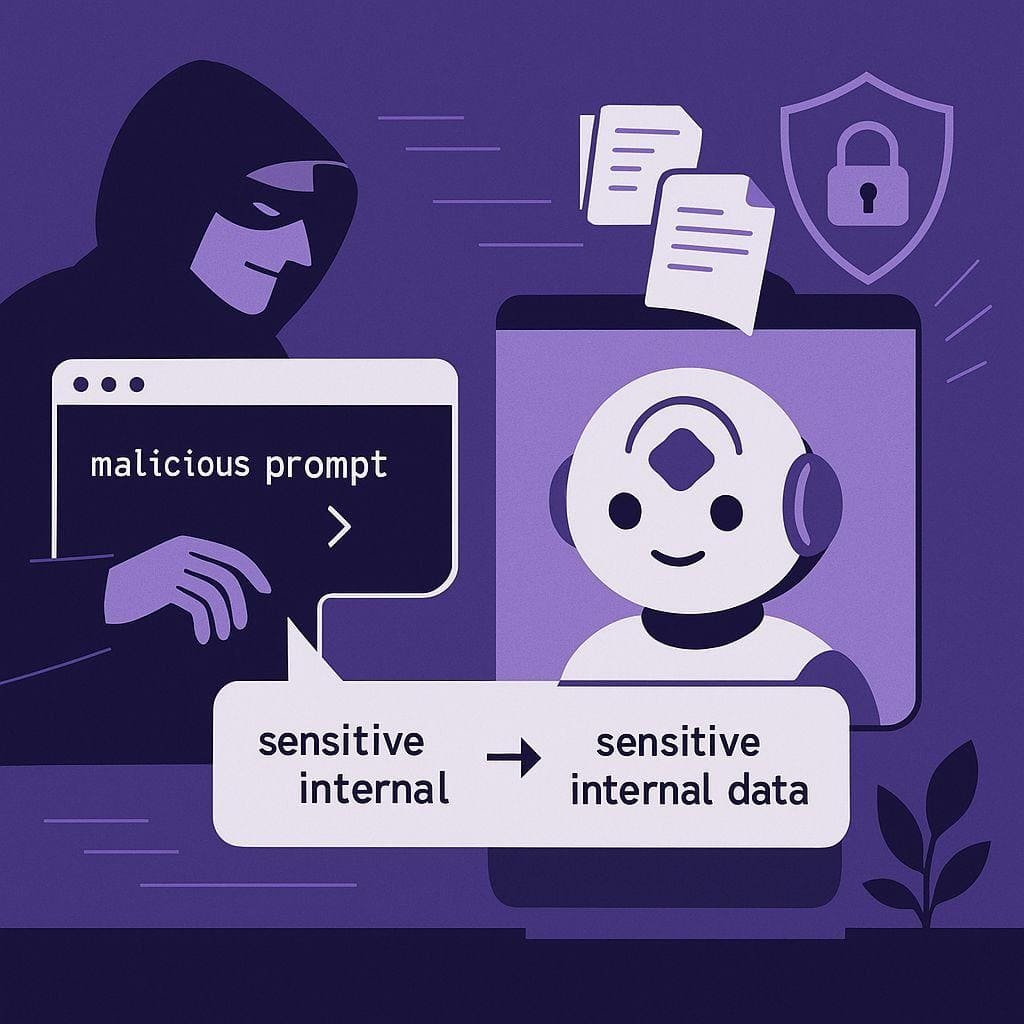

Artificial intelligence is becoming a regular part of everyday work. Employees use AI tools to write emails, summarize documents, analyze information, generate code, and complete routine tasks more quickly. While these tools can improve productivity, they can also introduce security risks when employees use them without their organization’s knowledge or approval.
This growing concern is known as Shadow AI. It happens when employees use AI applications that have not been approved, reviewed, or managed by their company’s IT or security team.
For example, an employee might paste a confidential business report into a free AI chatbot to create a quick summary. Another employee might upload customer information to an online AI assistant to organize a spreadsheet. These actions may seem harmless, but they can expose sensitive information and create security problems.
Understanding Shadow AI is becoming essential for businesses that want to benefit from artificial intelligence without losing control of their data.
What Is Shadow AI?
Shadow AI refers to the use of artificial intelligence tools, platforms, or services within an organization without formal approval or oversight from the relevant IT, security, or management teams.
It can include employees using public AI chatbots, browser-based AI extensions, unapproved writing assistants, AI-powered coding tools, or third-party applications that process company information.
Shadow AI is closely related to Shadow IT, which describes the use of unauthorized software, applications, or technology systems in the workplace. The difference is that Shadow AI introduces additional concerns involving data sharing, generated content, automated decisions, and the way AI systems process information.
Not every employee using an AI tool creates a security incident. The risk depends on the tool, the information shared, its privacy settings, and the organization’s ability to manage its use.
Why Are Employees Using Unauthorized AI Tools?
Employees often turn to AI tools because they want to work faster and solve everyday problems. When approved tools are difficult to access or do not meet their needs, they may choose alternatives without consulting their IT department.
Several factors contribute to the growth of Shadow AI.
1. Pressure to Complete Work Faster
Employees face deadlines and heavy workloads. AI tools can help draft reports, summarize lengthy documents, and generate ideas in less time. Workers may adopt these tools independently when they believe doing so will improve productivity.
2. Limited Access to Approved AI Solutions
Some organizations have not yet introduced suitable AI tools or have strict approval processes. Employees may look for publicly available alternatives rather than waiting for an official solution.
3. Lack of Awareness About Data Security
Employees may not understand how an AI application handles uploaded documents, conversation history, or other submitted information. They might assume that anything entered into an online tool remains completely private.
4. Easy Access to AI Applications
Many AI services are available through a browser or mobile application. Employees can start using them with little technical knowledge, making unauthorized adoption difficult for organizations to detect.
The Biggest Security Risks of Shadow AI
Shadow AI can create several security and privacy challenges, especially when employees use these tools to process confidential information.
1. Accidental Exposure of Sensitive Data
One of the most significant risks occurs when employees enter confidential information into an unauthorized AI service.
This information could include customer records, employee details, financial documents, internal business plans, source code, or unpublished product information.
Once information is submitted to an external service, its handling depends on the provider’s policies, technical controls, account settings, and contractual terms. Some services offer enterprise protections, while others may have different data-retention or usage practices.
Organizations may lose visibility into where their information is processed, how long it is retained, and who can access it.
2. Privacy and Compliance Problems
Businesses that handle personal or regulated information must understand how data is collected, processed, stored, and shared.
Using an unauthorized AI application can complicate compliance with applicable privacy laws, industry requirements, and internal data-handling policies.
For example, an employee who uploads identifiable customer information to an unapproved tool may create a privacy concern if the organization has not assessed the service or established the necessary safeguards.
The problem is not simply the use of AI. It is the possibility that sensitive information is processed without appropriate authorization and controls.
3. Increased Risk of Cyberattacks
Unapproved AI applications and browser extensions may introduce additional security weaknesses. Some tools may request excessive permissions, access browser information, or connect to company systems without adequate review.
Cybercriminals can also exploit employees’ trust in AI-powered services through fake applications, malicious extensions, and phishing campaigns that imitate legitimate AI products.
If an employee installs an unsafe tool on a company device, attackers may gain opportunities to access information or compromise the wider business environment.
4. Exposure of Intellectual Property
Employees may use AI tools to improve source code, rewrite product documentation, analyze research, or prepare presentations.
If proprietary information is submitted to an unapproved service, the company may lose control over how that information is handled. Depending on the provider’s terms and configuration, the data may be retained or processed outside the organization’s approved environment.
This can create concerns involving trade secrets, confidential research, software code, product designs, and commercial strategies.
Organizations should therefore define which types of information employees may share with AI tools.
5. Incorrect AI-Generated Information
Shadow AI can also create business risks when employees rely on AI-generated answers without checking them.
AI systems may produce inaccurate facts, outdated information, misleading summaries, or code containing security weaknesses. If employees copy these outputs directly into reports, customer communications, or business systems, mistakes can spread quickly.
For example, an employee might use an unapproved AI assistant to prepare a compliance report and unknowingly include an incorrect regulatory statement.
Human review, source verification, and clear accountability remain important even when AI tools are approved.
6. Limited Visibility for IT and Security Teams
When employees use unauthorized tools, security teams may not know which applications are accessing company information.
This lack of visibility makes it harder to evaluate vendors, monitor data flows, enforce access policies, investigate incidents, and identify risky behavior.
Without a clear understanding of how AI is being used, an organization may struggle to distinguish acceptable experimentation from activity that creates serious security concerns.
Real-World Examples of Shadow AI Risks
Shadow AI risks can emerge during ordinary workplace activities. Consider these examples:
Example 1: A marketing employee shares customer data.
An employee uploads a spreadsheet containing customer names, email addresses, and purchase information to an unapproved AI tool to create audience segments. The employee saves time, but sensitive information has been shared with a service that the company has not assessed.
Example 2: A developer submits proprietary code.
A software developer pastes an internal code snippet into a public AI assistant to fix a programming error. If the code contains confidential business logic or credentials, the submission could expose valuable information.
Example 3: An employee installs an AI browser extension.
A worker installs a free extension to summarize web pages and documents. The extension requests broad browser permissions that could expose information beyond what the employee intended to share.
Example 4: A manager relies on an unchecked AI report.
A manager uses an unauthorized chatbot to prepare a business analysis and forwards its conclusions without verification. Incorrect figures or unsupported claims may influence an important decision.
These examples demonstrate why Shadow AI should be addressed through practical security measures rather than simply assuming employees will stop using AI.
How Businesses Can Reduce Shadow AI Risks
Organizations do not necessarily need to ban every AI application. A more effective approach is to make safe AI use accessible, understandable, and manageable.
1. Create a Clear AI Usage Policy
Businesses should establish a written policy explaining which AI tools employees can use and what information they may submit.
The policy should cover confidential documents, customer data, personal information, source code, intellectual property, and other sensitive material. It should also explain how employees can request approval for new tools.
Simple, practical guidance is more effective than rules employees cannot easily understand.
2. Provide Approved AI Alternatives
Employees are more likely to follow security policies when approved tools meet their actual needs.
Organizations should evaluate AI applications based on security controls, privacy practices, data-retention options, access management, and business requirements. Approved tools should be easy to discover and use.
Providing suitable alternatives can reduce the temptation to adopt unreviewed applications.
3. Train Employees to Recognize Risks
Security awareness training should explain how Shadow AI works and why certain activities can be dangerous.
Employees should learn to identify suspicious AI applications, review browser-extension permissions, avoid submitting confidential information to unapproved services, and verify AI-generated results.
Training should encourage employees to ask questions rather than hide their AI usage out of fear of punishment.
4. Apply Access Controls and Data Protection
Businesses can use appropriate security controls to limit exposure. Depending on their environment, these may include identity and access management, data loss prevention systems, approved application lists, endpoint protection, and monitoring of relevant network activity.
Organizations should also classify their data so employees understand which information is public, internal, confidential, or highly restricted.
Controls should be proportionate to the organization’s risks and should respect applicable privacy requirements.
5. Review AI Applications Regularly
An application’s security status can change as its features, ownership, permissions, or policies evolve.
IT and security teams should periodically assess approved tools and investigate newly discovered applications. They should evaluate the data each service processes, the permissions it requests, and whether its use remains appropriate.
Regular reviews help organizations identify emerging risks before they become more difficult to manage.
6. Encourage Responsible Reporting
Employees should have a straightforward way to report the use of an unapproved AI application or an accidental data disclosure.
If a sensitive document has already been uploaded to an unauthorized tool, employees should promptly notify the appropriate security or IT team. The organization can then assess the exposure, follow its incident-response procedures, and determine whether further action is necessary.
A supportive reporting culture helps businesses respond earlier and learn from mistakes.
Shadow AI and the Future of Workplace Security
Artificial intelligence will continue to influence how employees research, communicate, develop software, and make decisions. As AI becomes integrated into more workplace applications, the line between approved and unauthorized usage may become harder to identify.
Businesses will need to treat AI governance as an ongoing part of cybersecurity. This includes understanding where AI is used, evaluating third-party services, protecting sensitive information, and ensuring that employees know their responsibilities.
The goal should not be to eliminate useful innovation. Instead, organizations should establish safeguards that allow employees to use AI productively without creating unnecessary risks.
Conclusion
Shadow AI can develop when employees adopt unauthorized AI tools to save time, improve productivity, or complete tasks more efficiently. Although these actions may be well-intentioned, they can expose confidential data, introduce security weaknesses, create compliance challenges, and lead to unreliable business decisions.
Organizations can reduce these risks by establishing clear AI policies, offering approved alternatives, training employees, applying appropriate security controls, and encouraging transparent reporting.
The most effective defense against Shadow AI combines technology, clear governance, and employee awareness. When businesses make responsible AI use practical and accessible, they can support innovation while protecting the information their customers and employees trust them to safeguard.
Frequently Asked Questions
1. What is Shadow AI?
Shadow AI refers to the use of artificial intelligence tools by employees without approval or oversight from their organization’s IT or security team. It can create risks when confidential information is shared with unapproved tools.
2. What are the main risks of Shadow AI?
Shadow AI can lead to sensitive data exposure, privacy violations, cybersecurity threats, intellectual property leakage, compliance issues, and inaccurate AI-generated information.
3. How can companies prevent Shadow AI risks?
Companies can reduce Shadow AI risks by creating clear AI usage policies, providing approved AI tools, educating employees, applying data protection controls, and reviewing AI applications regularly.
4. Is Shadow AI always a security threat?
Shadow AI is not always dangerous, but unapproved tools may expose organizations to risks if their security and privacy practices have not been evaluated. Proper oversight and employee awareness can help minimize these risks.