
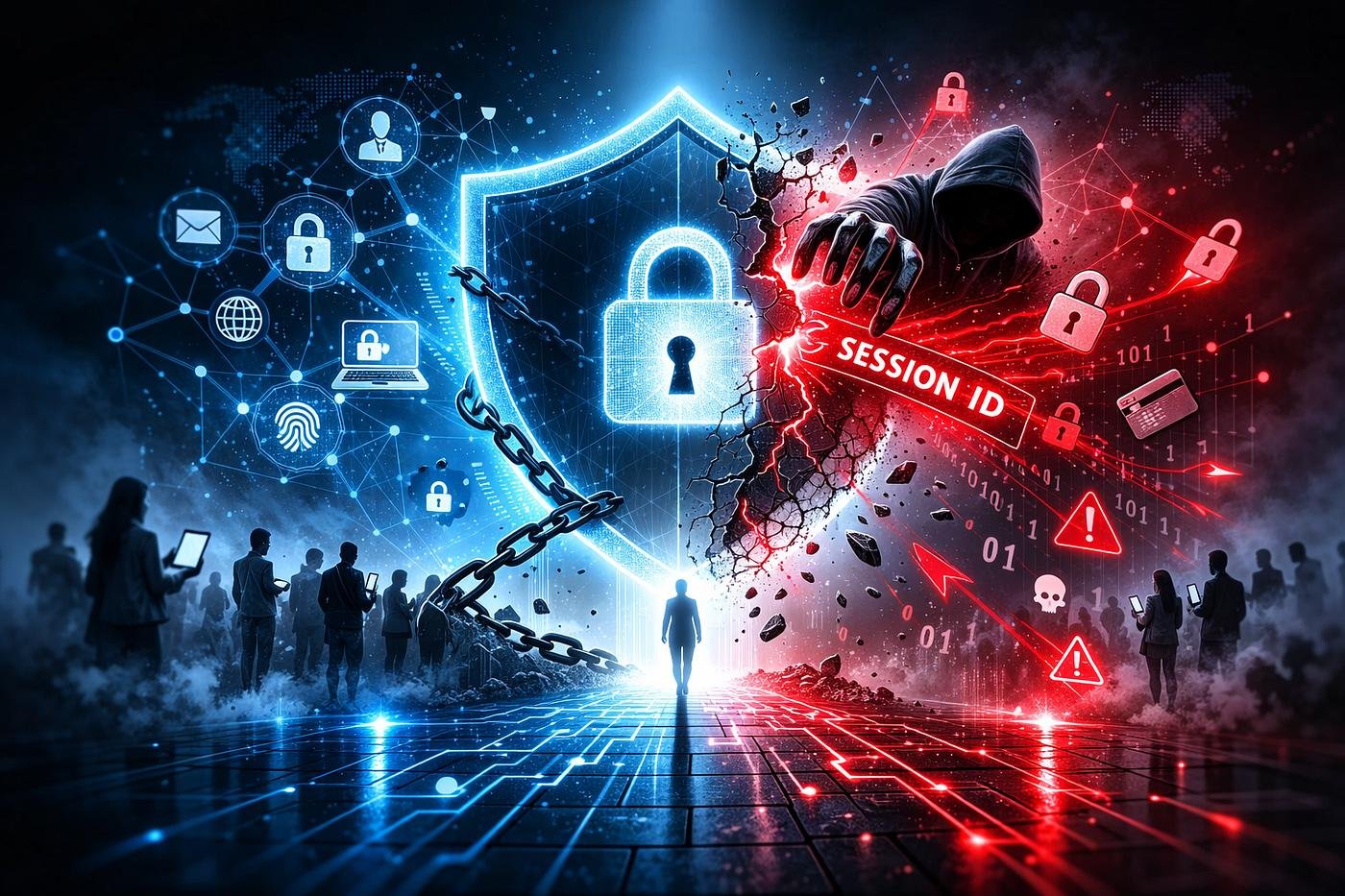
Imagine logging into your email, social media, or online banking account and finding that someone else has already gained access. Your password may still be correct, and you may not have received any unusual login alerts. Yet, an attacker could be using your account without your knowledge.
This is one of the risks associated with session hijacking, a cybersecurity attack in which someone takes control of an active online session without the account owner’s permission.
Most websites allow users to stay logged in while browsing different pages. Instead of asking for a password every time a user clicks something, the website uses a temporary identifier, often stored in a browser cookie, to recognize the authenticated session. If an attacker manages to obtain or misuse that identifier, they may be able to access the account without completing the normal login process.
As more personal, financial, and business activities move online, understanding session hijacking has become an important part of staying safe on the internet.
What Is Session Hijacking?
Session hijacking occurs when an attacker gains control of a legitimate user’s active session and impersonates that user on a website or application.
When you sign in to a website, the system creates a session to remember that you have successfully authenticated. Your browser sends a session identifier with subsequent requests so the website knows which account is making them.
If this identifier is exposed, stolen, or improperly managed, an attacker may be able to reuse it to access the account while the session remains valid.
For example, you might sign in to a business email account in the morning and continue working throughout the day. If an attacker steals your active session token, they may be able to access the same account without knowing your password.
The important point is that session hijacking targets an already authenticated session, rather than necessarily breaking the password itself.
How Do Session Hijacking Attacks Happen?
There is no single method behind every session hijacking incident. Attackers may take advantage of weaknesses in a website, an infected device, or unsafe browsing habits.
1. Stolen Session Cookies
Websites commonly use cookies to maintain login sessions. If an attacker gains access to a valid session cookie through malware, exposed browser data, or another security weakness, they may attempt to reuse it.
This can be particularly dangerous when the session remains active and the website does not detect suspicious activity.
2. Unsecured Network Connections
Data transmitted over improperly secured connections may be exposed to interception. Attackers monitoring an insecure network could attempt to capture session information exchanged between a browser and a website.
Using HTTPS helps protect information while it travels between the browser and the server. However, HTTPS alone cannot prevent every form of session hijacking, especially if the device or website itself is compromised.
3. Malicious Browser Extensions
Not every browser extension deserves access to your browsing activity. An extension with excessive permissions or malicious behavior may expose sensitive information or interfere with website activity.
Installing unknown extensions can therefore increase the risk of account compromise, especially when users grant permissions without checking what an extension can access.
4. Cross-Site Scripting (XSS)
Cross-site scripting occurs when a website allows untrusted content to execute as code in a user’s browser.
Depending on the vulnerability and the application’s protections, malicious scripts may interfere with a user’s session or expose sensitive session information. Proper input handling, output encoding, and cookie protections help reduce this risk.
5. Session Fixation
In a session fixation attack, an attacker attempts to make a victim use a session identifier that the attacker already knows. If the website fails to replace that identifier after authentication, the attacker may be able to misuse the resulting session.
Web applications should generate fresh session identifiers after login and other important privilege changes.
What Can Happen After an Account Is Hijacked?
The impact depends on the account involved and the permissions available to the attacker. A compromised session may expose far more than a user’s browsing history.
Common consequences include:
- Personal information exposure: Attackers may access private messages, saved documents, contact details, or other confidential information.
- Financial risks: If a hijacked session belongs to a financial service, the attacker may attempt unauthorized transactions or changes, depending on the service’s security controls.
- Business account compromise: An attacker who gains access to a company account may view internal communications, access shared files, or misuse business resources.
- Identity impersonation: The compromised account may be used to send fraudulent messages to friends, customers, or colleagues.
- Further security breaches: An attacker may use information from one compromised account to target other accounts or systems.
A session hijacking incident can therefore affect not only the account owner but also other people and organizations connected to that account.
Warning Signs of Session Hijacking
Session hijacking does not always produce an obvious warning. However, several unusual activities may indicate that someone else has accessed your account.
Watch for these signs:
- Login or session alerts you do not recognize.
- Unknown devices or locations appearing in your account’s security history.
- Unexpected changes to account settings, recovery details, or permissions.
- Messages, emails, or actions you did not initiate.
- Sudden logouts or unfamiliar active sessions.
- Security notifications about password changes or other sensitive actions you did not request.
One unusual event does not automatically mean your account has been hijacked. Nevertheless, it is worth investigating suspicious activity promptly, particularly when several warning signs appear together.
How to Protect Yourself from Session Hijacking
You cannot eliminate every cybersecurity risk, but a few practical habits can make account compromise more difficult.
1. Use Trusted Websites and Secure Connections
Check that the website address is correct and that the connection uses HTTPS before signing in. Avoid entering sensitive information on suspicious pages or through links from unexpected messages.
Remember that a padlock or HTTPS connection does not guarantee that a website itself is trustworthy.
2. Enable Multi-Factor Authentication
Multi-factor authentication (MFA) adds another verification step to the login process. Even if someone obtains your password, this additional protection can make unauthorized access more difficult.
However, MFA does not automatically stop the reuse of an already stolen, authenticated session. It should be combined with effective session security.
3. Keep Your Browser and Devices Updated
Install updates for your operating system, browser, and security software. Updates often address vulnerabilities that could otherwise be exploited to compromise a device or online account.
Remove browser extensions you no longer need, and install new ones only from sources you trust.
4. Avoid Untrusted Devices
Be cautious when signing in on shared computers or public devices. If you must use one, avoid saving passwords, sign out when finished, and close the browser session.
For sensitive activities, using your own trusted device is generally safer.
5. Review Active Sessions
Many online services allow users to view devices or sessions associated with their accounts.
Check this information periodically and sign out sessions you do not recognize. If you suspect that a session has been compromised, use the service’s security settings to terminate active sessions where possible.
6. Sign Out of Sensitive Accounts
When using shared devices, signing out is especially important. Simply closing a browser window may not invalidate the server-side session.
For accounts that contain sensitive information, use the official sign-out option and confirm that the service has ended the session.
What Should You Do If Your Session Is Hijacked?
If you believe someone has taken over an active session, act quickly to limit the damage.
- Use a trusted device: If you suspect your current device is infected, use another trusted device to secure your account.
- Terminate active sessions: Open the service’s official security settings and sign out of other devices or sessions.
- Change your password: If your credentials may also be compromised, change your password using the official website or application.
- Strengthen account verification: Enable MFA if available and review your recovery email address, phone number, and authentication methods.
- Inspect recent activity: Look for unauthorized messages, transactions, permission changes, or unfamiliar connected applications.
- Contact the service provider: Report the incident if you cannot regain control or if suspicious activity continues.
- Secure the affected device: Update your software, remove suspicious extensions, and run a reputable security scan if malware is suspected.
For financial accounts, contact the bank or provider immediately if you notice unauthorized transactions. For workplace accounts, inform your IT or security team so they can investigate and revoke compromised sessions.
Changing a password alone may not invalidate every existing session, so explicitly signing out other sessions is an important additional step.
How Websites Can Prevent Session Hijacking
Account safety is not only the responsibility of individual users. Website owners and developers also need to protect the sessions their applications create.
Important safeguards include:
- Secure session cookies: Use appropriate
Secure,HttpOnly, andSameSitecookie attributes. - HTTPS everywhere: Protect session information in transit and configure secure connections correctly.
- Strong session identifiers: Generate unpredictable identifiers using secure methods.
- Session renewal: Issue a new session identifier after authentication and important privilege changes.
- Automatic expiration: End sessions after suitable periods of inactivity and enforce an appropriate maximum session lifetime.
- Risk-based monitoring: Investigate unusual session activity and provide users with controls to revoke active sessions.
- Protection against XSS: Apply secure coding practices to reduce the chance of malicious scripts executing in users’ browsers.
These measures help reduce the opportunity for attackers to reuse stolen session information and can limit the impact of a compromised session.
Conclusion
Session hijacking is a serious online security risk because it can allow attackers to impersonate users who have already signed in. A strong password is important, but it cannot protect an account from every threat involving stolen session information.
Understanding how session hijacking works, recognizing suspicious account activity, using MFA, keeping devices updated, and reviewing active sessions can help users reduce their exposure to this threat.
Website owners also have a responsibility to implement secure session management and provide effective ways to detect and terminate suspicious sessions.
Frequently Asked Questions
1. What is session hijacking?
Session hijacking is a cybersecurity attack in which an attacker takes control of a user’s active online session. This may allow unauthorized access to an account without requiring the attacker to enter the user’s password again.
2. How do attackers hijack online sessions?
Attackers may exploit stolen session cookies, malware, cross-site scripting vulnerabilities, or weaknesses in session management. These methods can expose session identifiers that may be used to impersonate legitimate users.
3. How can I protect my account from session hijacking?
Use secure websites, enable multi-factor authentication, keep your browser and devices updated, avoid suspicious browser extensions, and regularly check active sessions. Sign out of unfamiliar sessions immediately.
4. What should I do if my account session is hijacked?
Use a trusted device to sign out of all active sessions, change your password if your credentials may be compromised, enable multi-factor authentication, and check for unauthorized activity. Contact the service provider if you cannot secure your account.

